



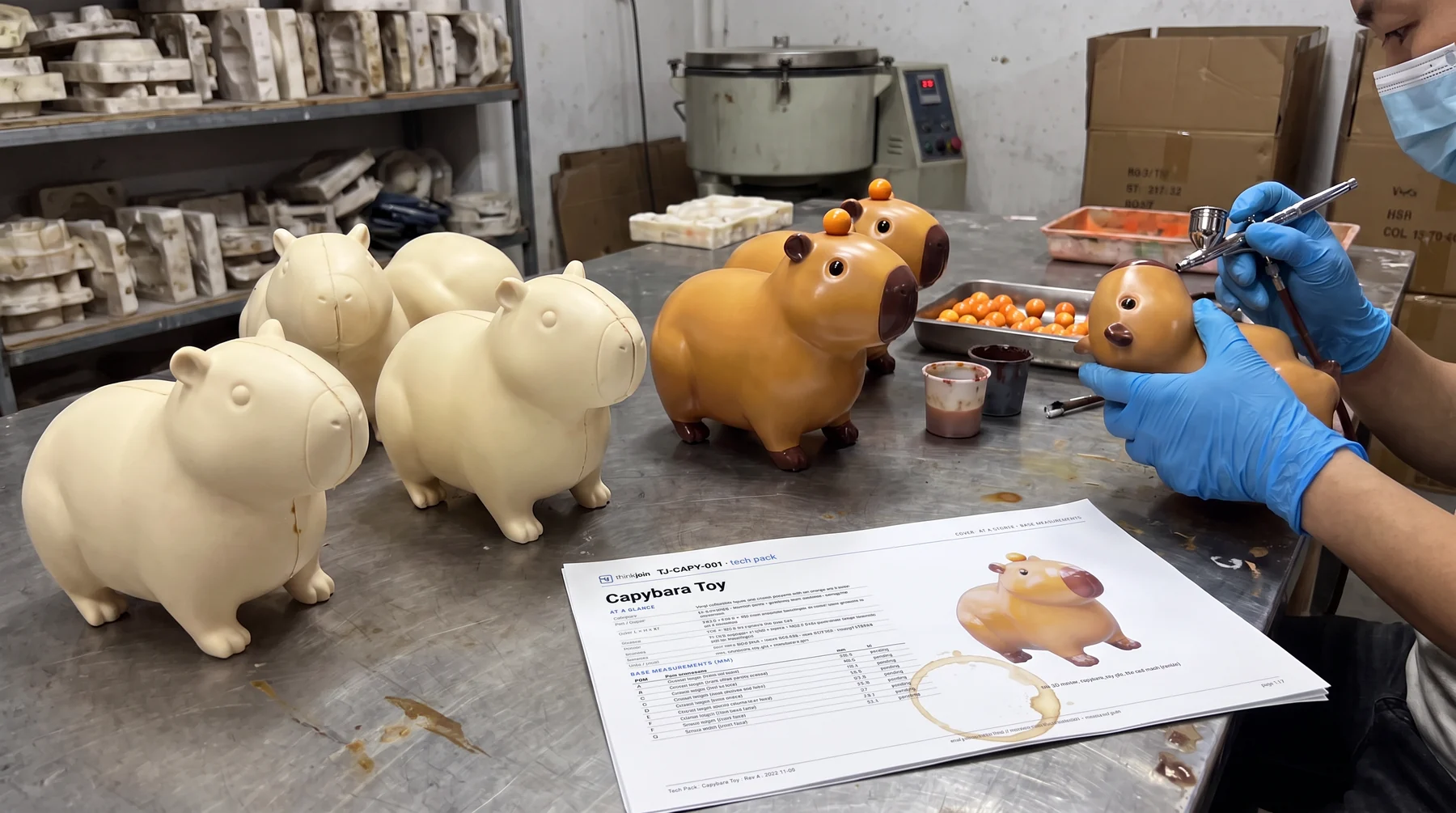
From idea
to factory floor.
thinkjoin is where real things get made. Design it, see it in 3D, and take home the files a factory builds from: nine studios, your library and your own thinkspace, on one account. Steve is the engine and the brain behind every room.
Every account starts free. One thinkjoin account opens every room.
 Steveby text, on WhatsApp, iMessage or the web
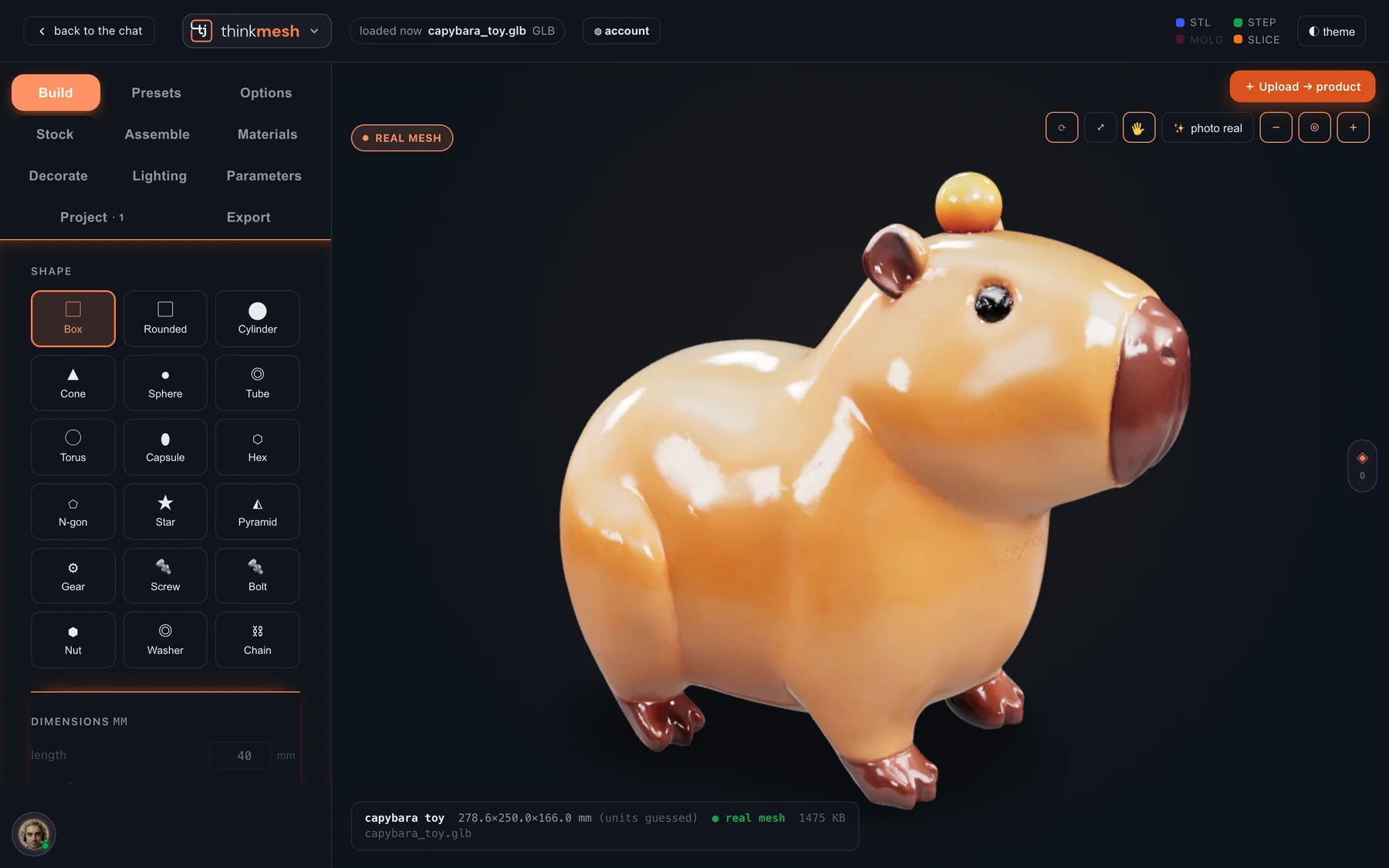
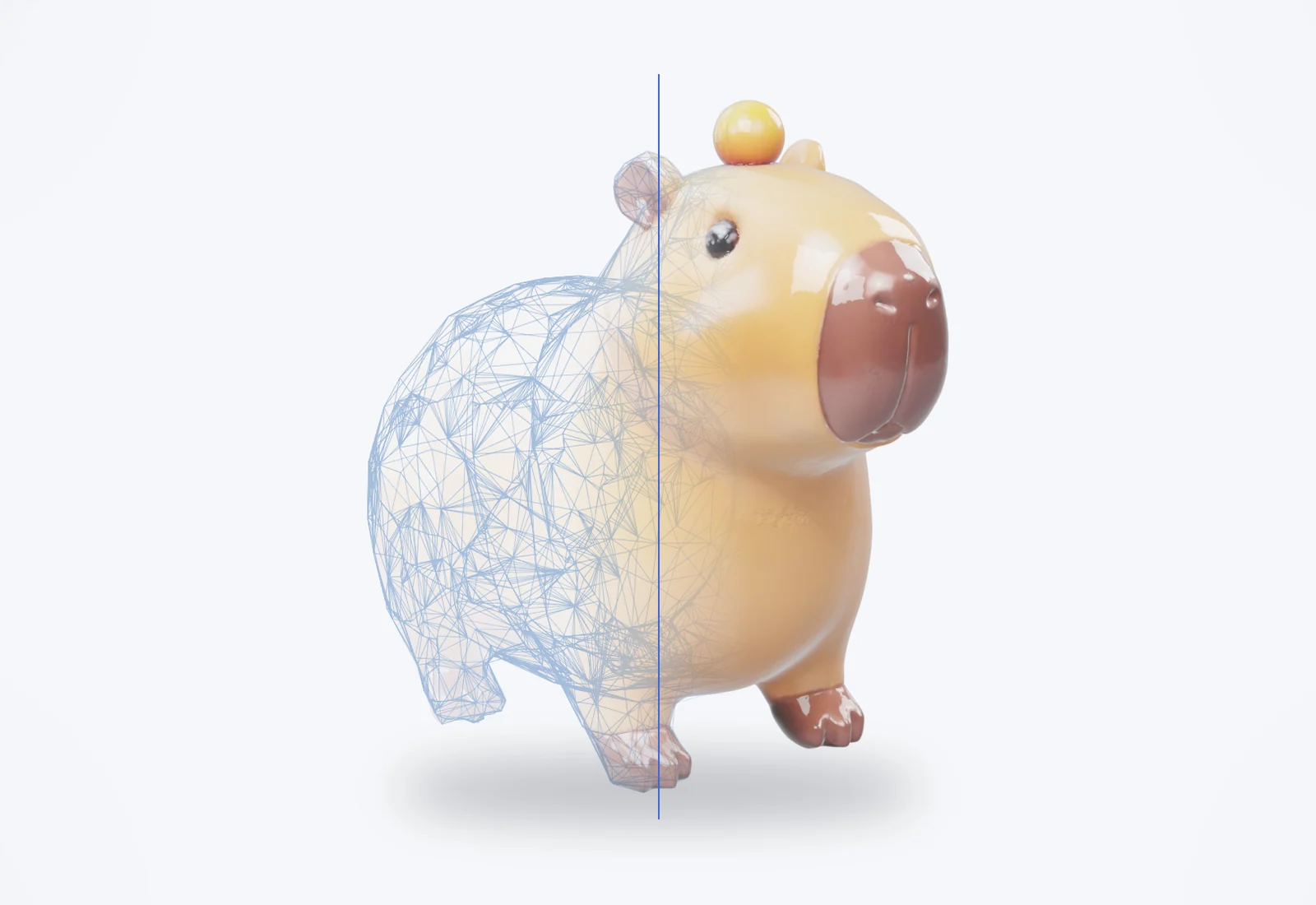 thinkmesh: wireframe to the finished mesh
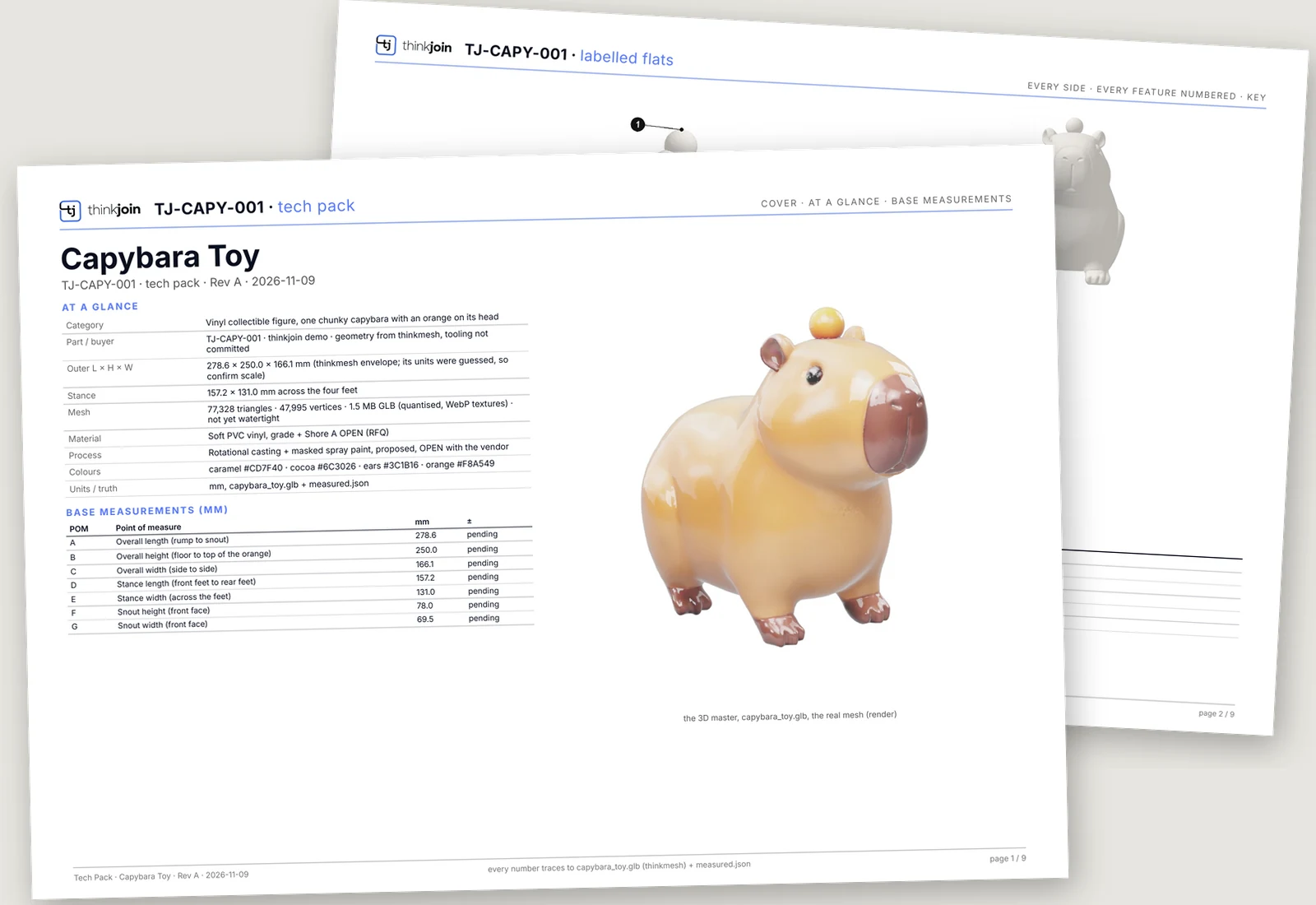
 Production pack readyCapybara toy, vinyl
- PDFVendor brief and notes
- STEPCAD solid for the toolmaker
- MOLDMould halves
- STLPrint-ready mesh
- CSVBill of materials
One zip for your printer or factory, filed in your thinkspace.
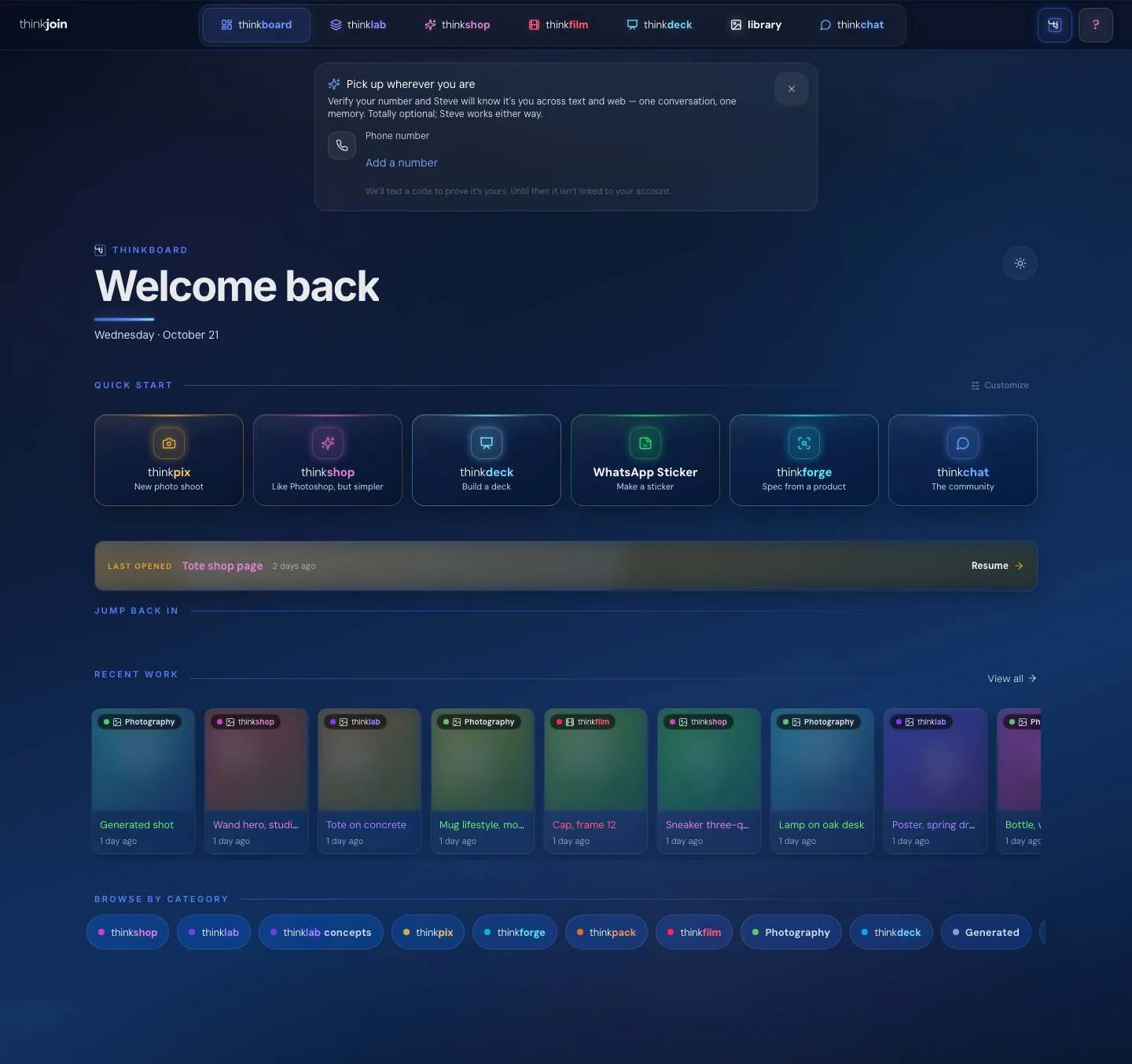
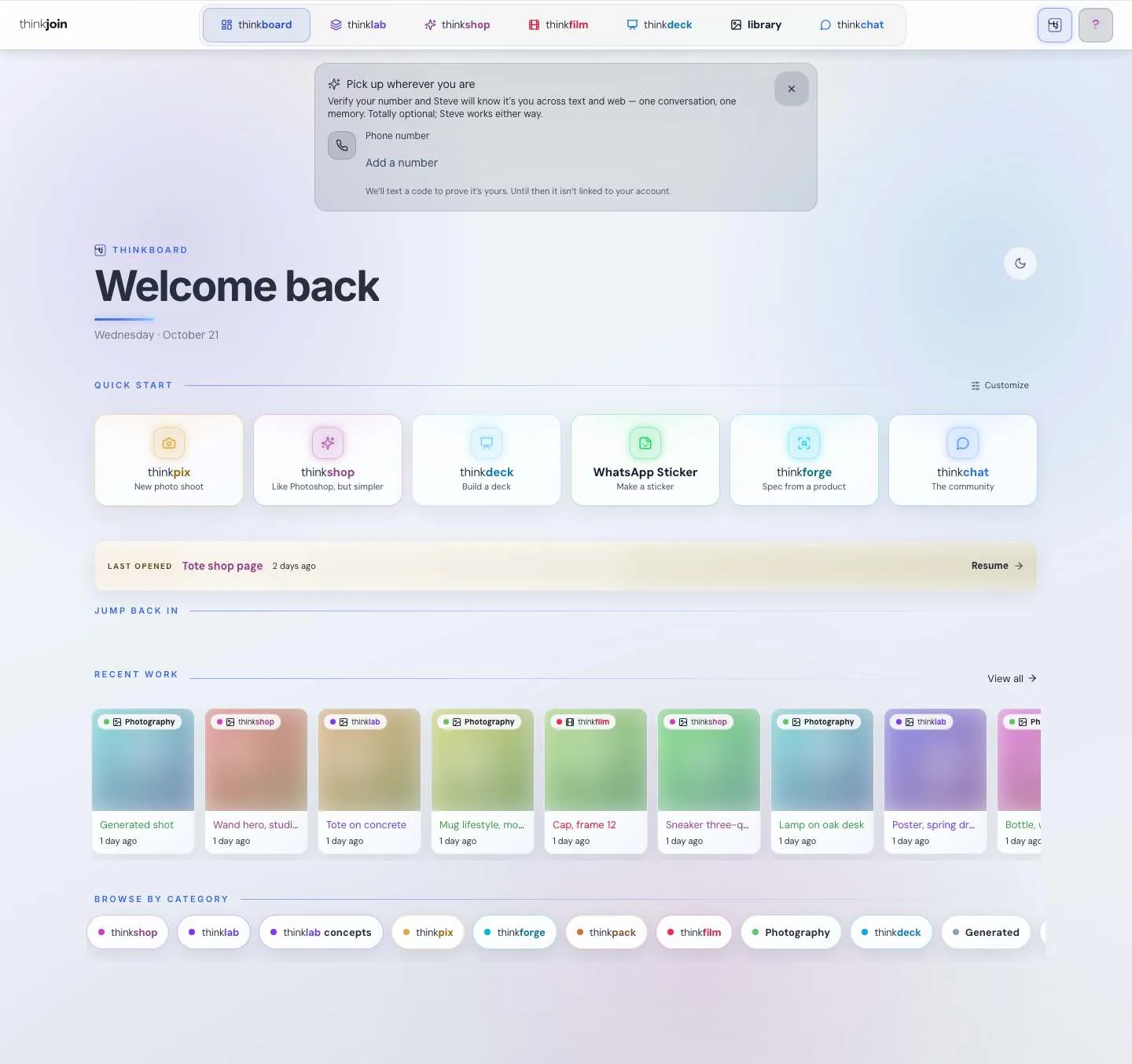
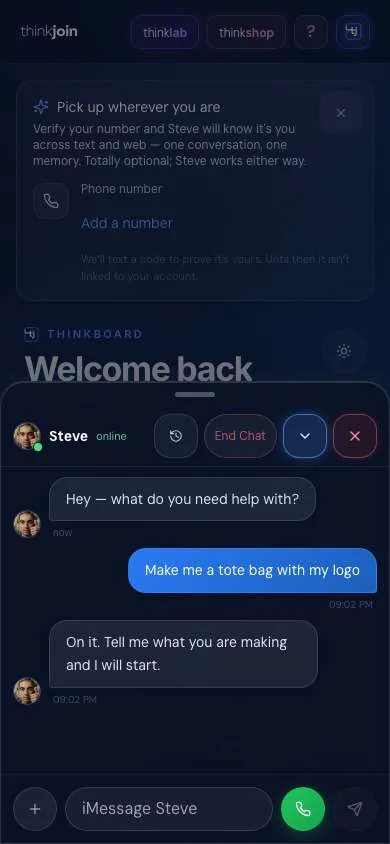

Steve, the engine and the brain
Ask from anywhere. It all lands in one place.
Steve is the engine inside thinkjoin: he makes the work in every room, with the same brain, tools and memory on every channel. Add your number once and your texts, calls and web chats are one conversation. Whatever he makes lands in your thinkspace, then on your shelf and in your library, ready to open in a studio.
Stevethe mind in every room
Tap a channel to see how it goes. These are example conversations; WhatsApp and iMessage bring the main files plus a link.
Try thinkspace
Don’t just read about it. Circle, draw, talk, send.
thinkspace is where Steve builds while you watch. Circle up to three areas and say what changes in each, sketch on it, talk or type, then send it and follow every step. A revision stays in the same project as its next version.
 Circle up to three areas to change
- Mark it up and send it. Steve’s steps show up here as he works.
Nine studios. One account.
Every tool you used to juggle. In one house.
Each studio replaces a stack of apps, and they all share your library, your thinkspace and Steve. Pick one to see it, real screens only.
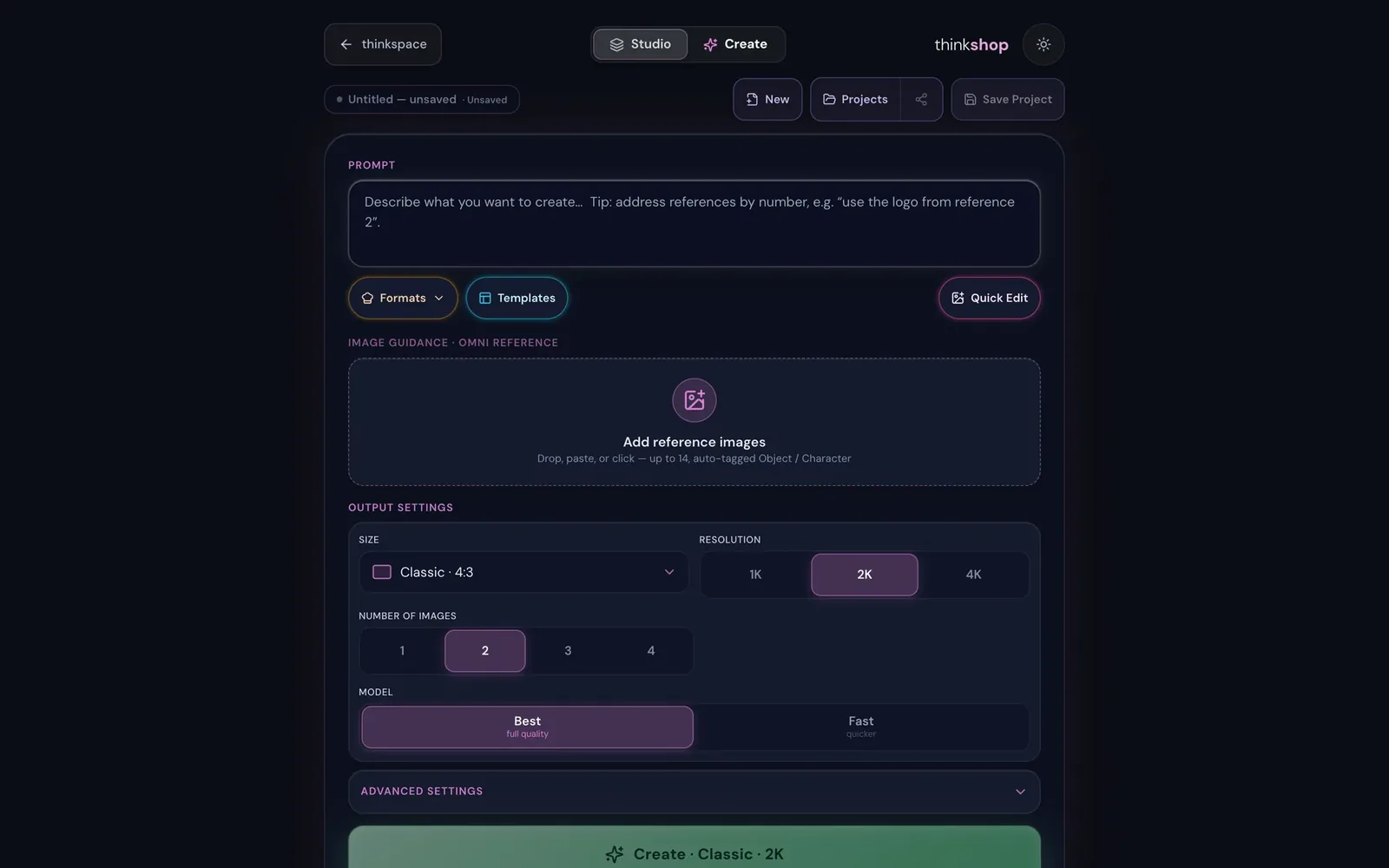
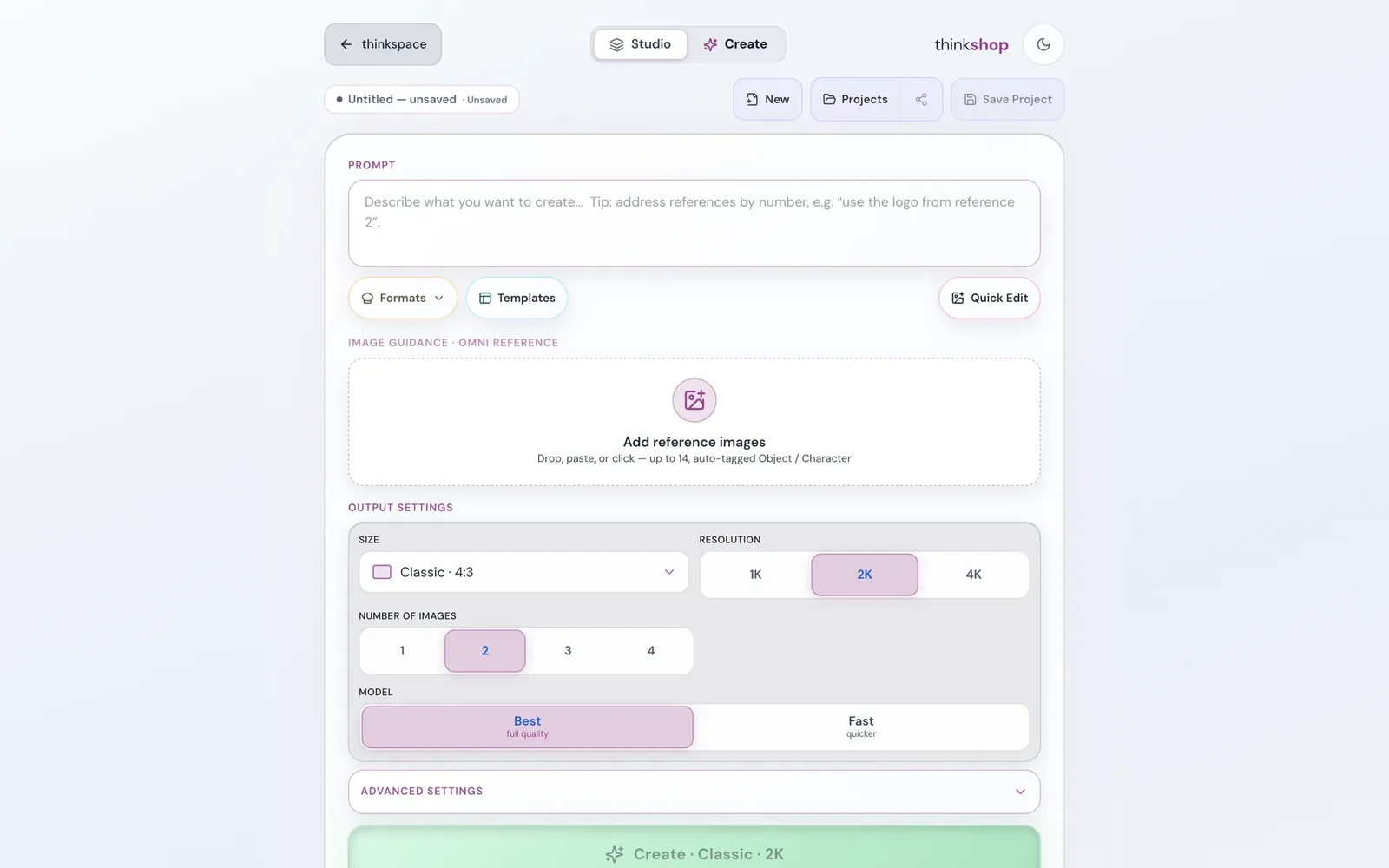
Photoshop, Illustrator and an AI generator. In one.
Stop bouncing between a PSD, an Illustrator file and a separate AI generator. Edit pictures in layers, design with shapes, icons and type, and make or change anything with words.
- Circle a part, say the change, and only that part changes
- Remove a thing, expand the frame, cut out the subject
- Export a layered file, a PNG or a transparent PNG
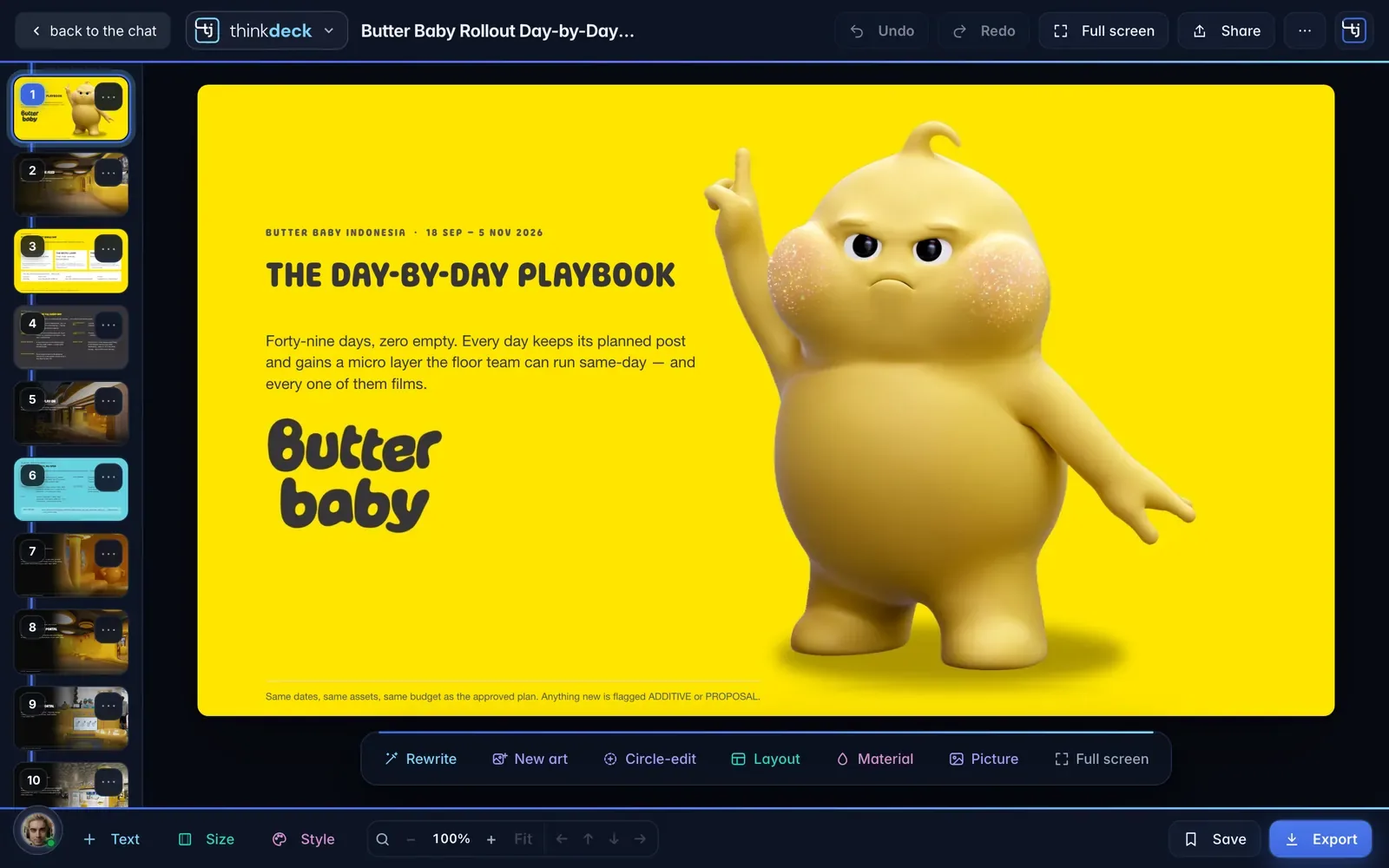
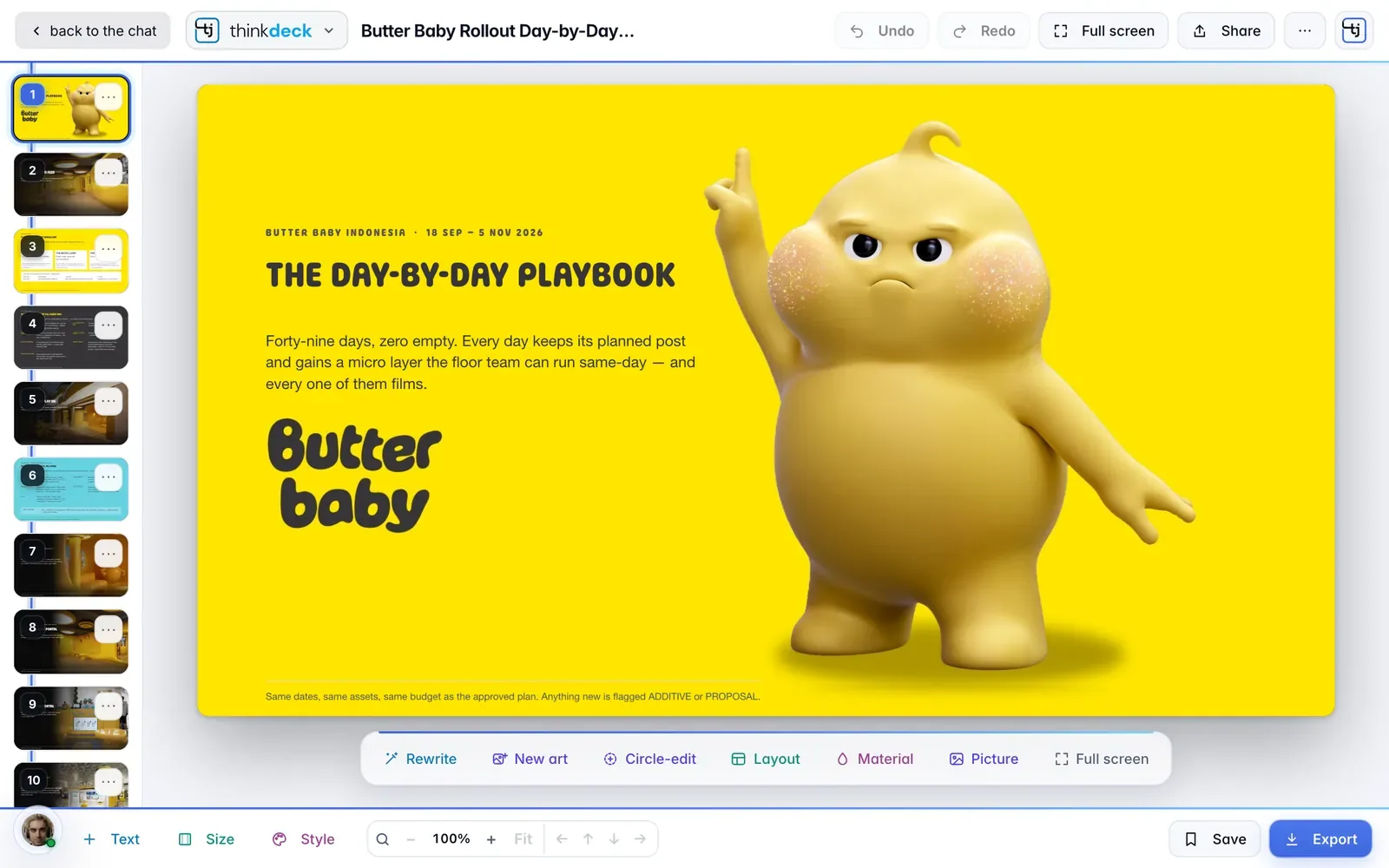
Decks, documents and PDFs. One easy place.
Text Steve or call him and ask for a deck: it lands here finished, with every word still editable. Or start from a blank page and build it yourself.
- Send a real PDF or a PowerPoint that still edits
- Circle-edit any slide’s art
- Steve can make it for you, or you make it by hand
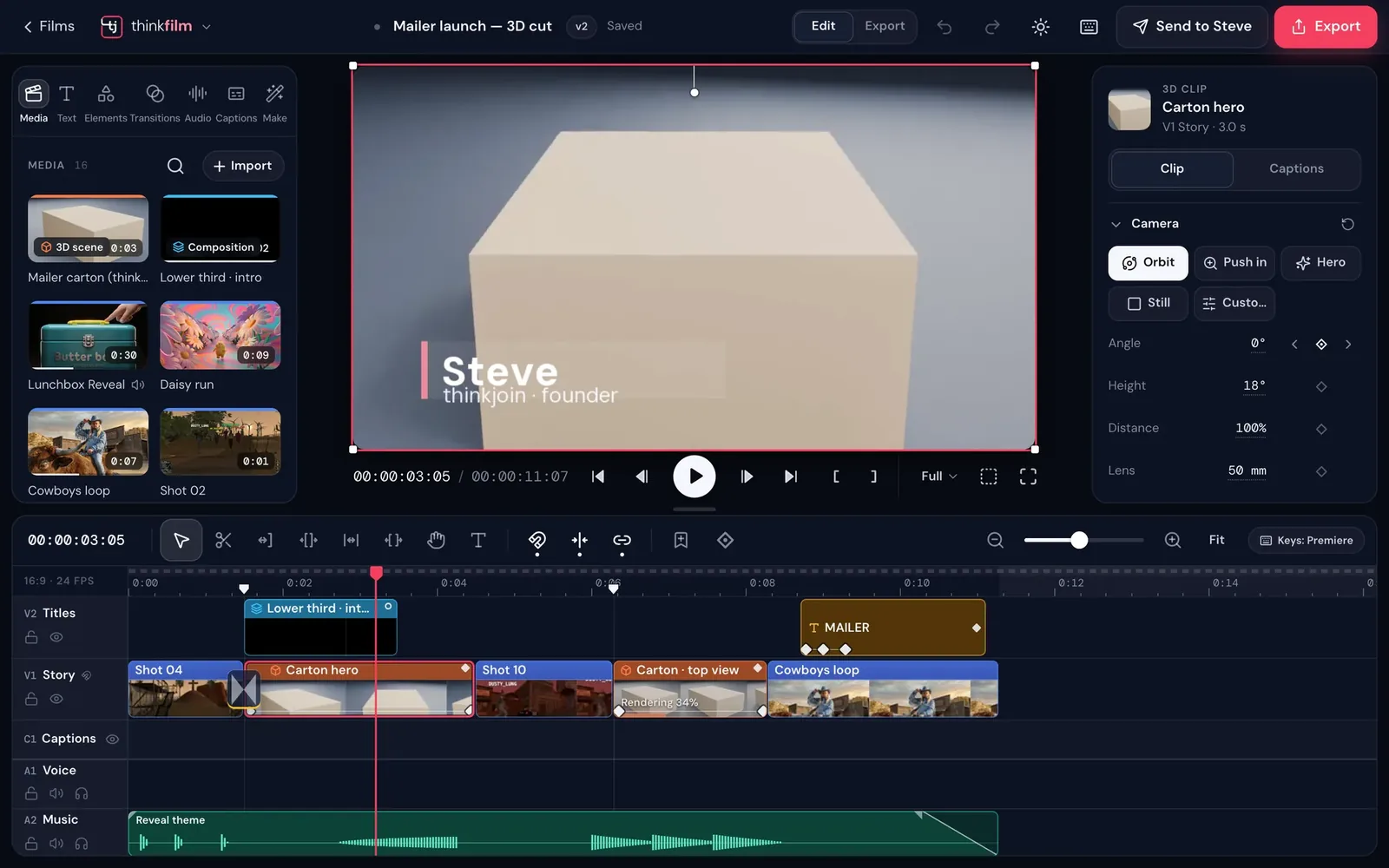
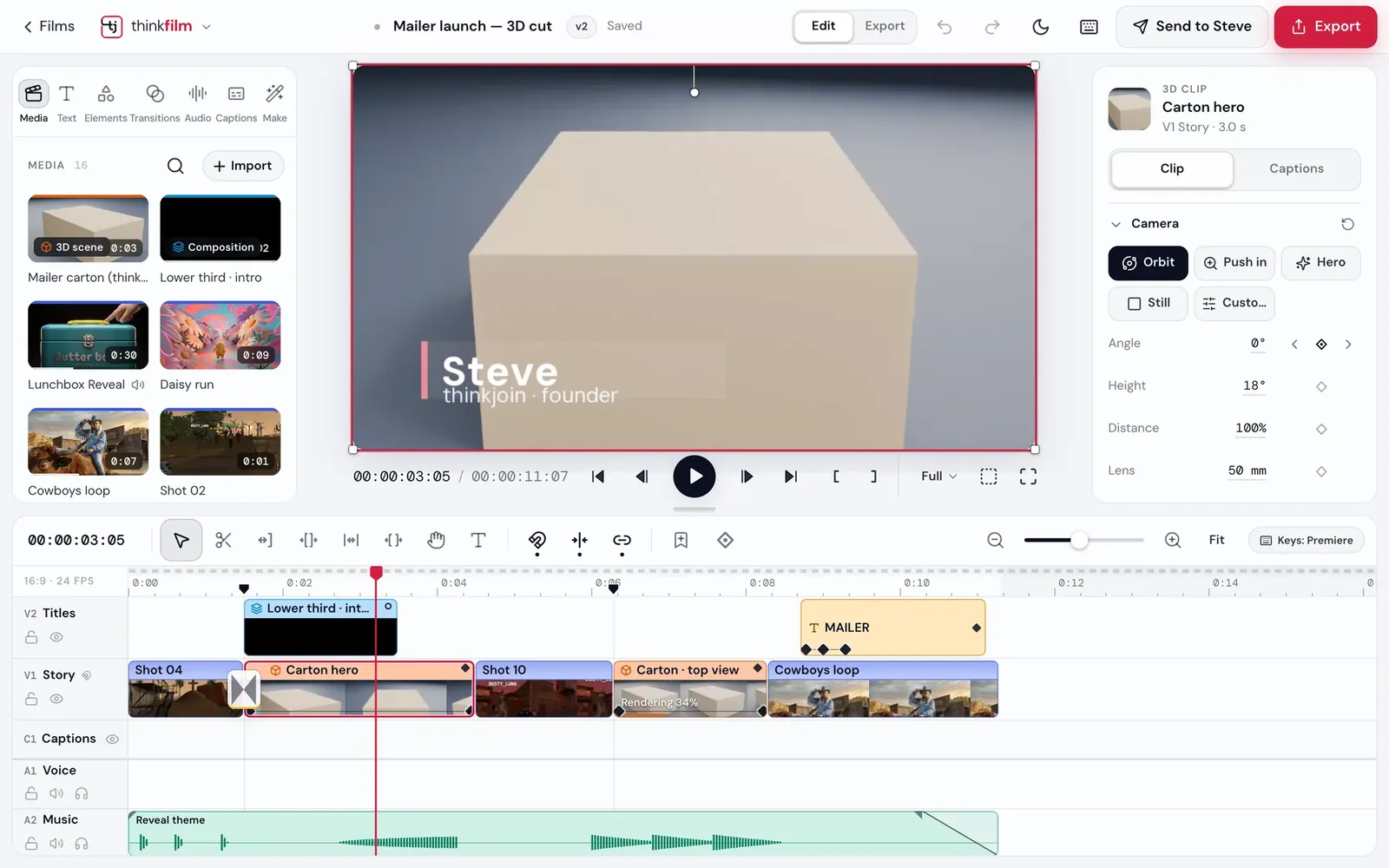
Premiere Pro, After Effects, CapCut and Blender. In one.
A full video studio in your browser. Cut, animate, move fast and drop real 3D scenes in beside your footage, all on the same timeline.
- Export for YouTube, Reels, TikTok, Shorts or a 4K master
- Stills into motion
- Every export is filed in your thinkspace
Packaging, ready for the press.
Draw it flat and watch it fold into 3D, in real time. Size it to the millimetre, place windows and folds, and take a production pack to your printer. Try it right here:
- 211 ready-made presets across 61 styles
- Dieline as DXF, SVG and PDF, a 3D STEP solid, a bill of materials
- Edit the flat net or the 3D box: the other follows
A live demo of one style, a straight tuck end, running right on this page. The studio does this for every style, with production-ready lines.
Make it in 3D. Take home the real files.
A 3D studio for things that get made: printed, cast, machined or handed to a factory. Start from a preset, a photo or a sentence to Steve. Turn this one, it’s a real file:
- Size it in real millimetres
- Real materials and light
- Download what a printer or a factory asks for
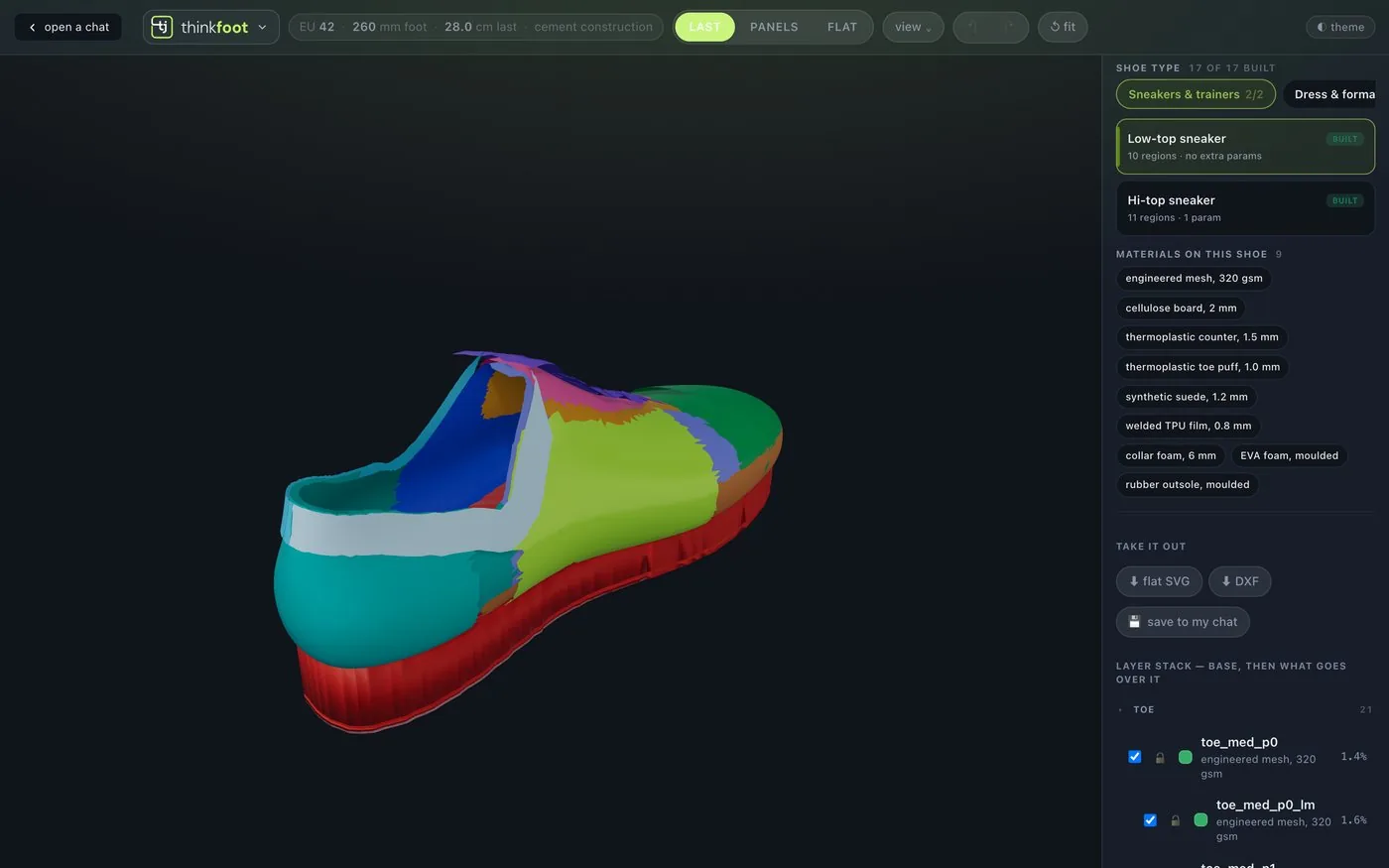
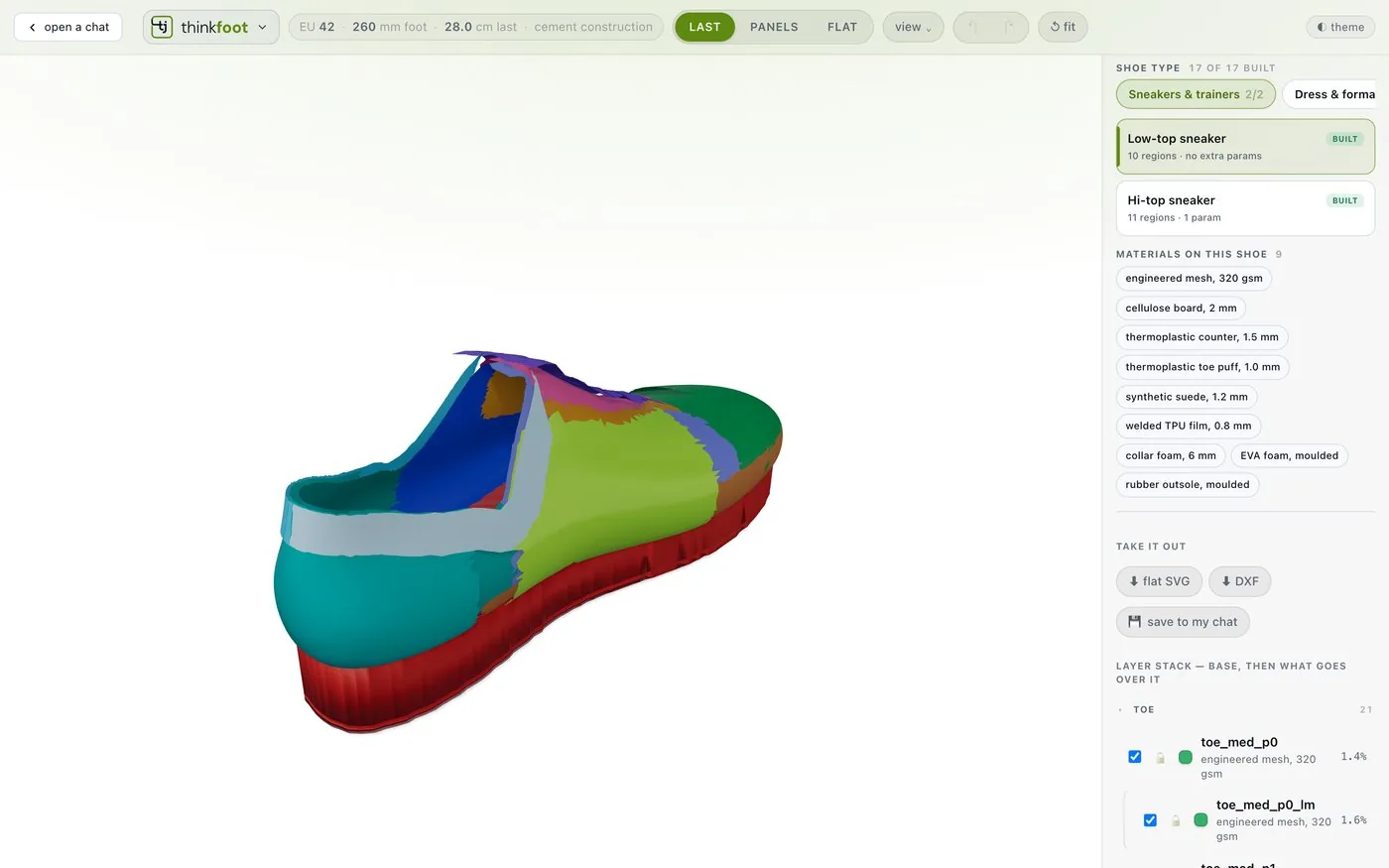
Design the shoe. Get the pattern.
Pick a style and a size, see every piece on a real last, then lay it flat into a 1:1 pattern for the factory.
- Seventeen styles already on lasts
- Every piece coloured by its part of the shoe
- A flat SVG + DXF pattern, mm 1:1
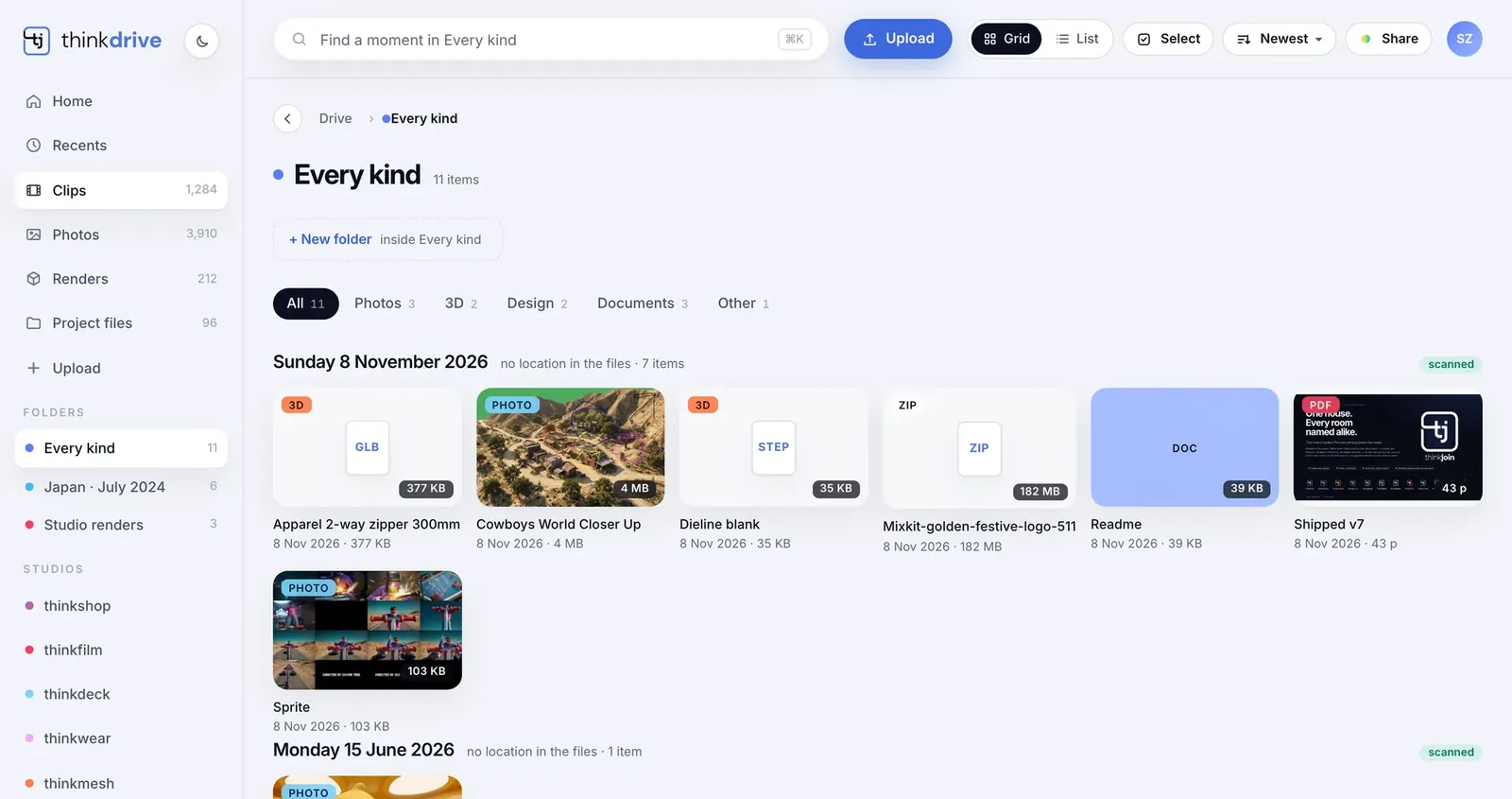
Find the moment, not the file.
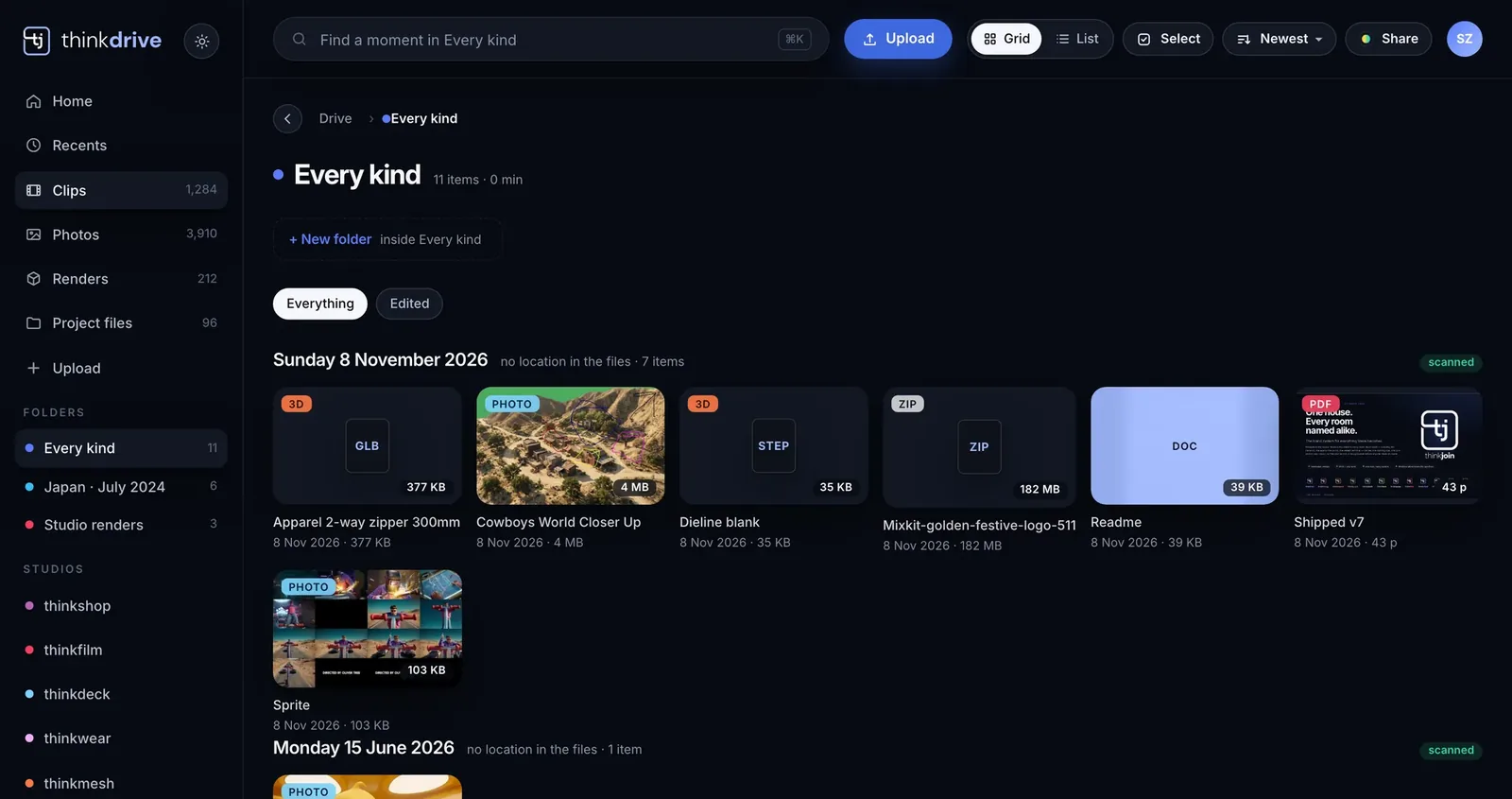
A drive for everything you shoot and make. Drop it in and it’s kept exactly as shot. Minutes later every video is read for you: who’s talking, where, what’s happening, and every word.
- Search by what happens, not by file name
- Photos, video, 3D files and documents
- Share a folder with a link
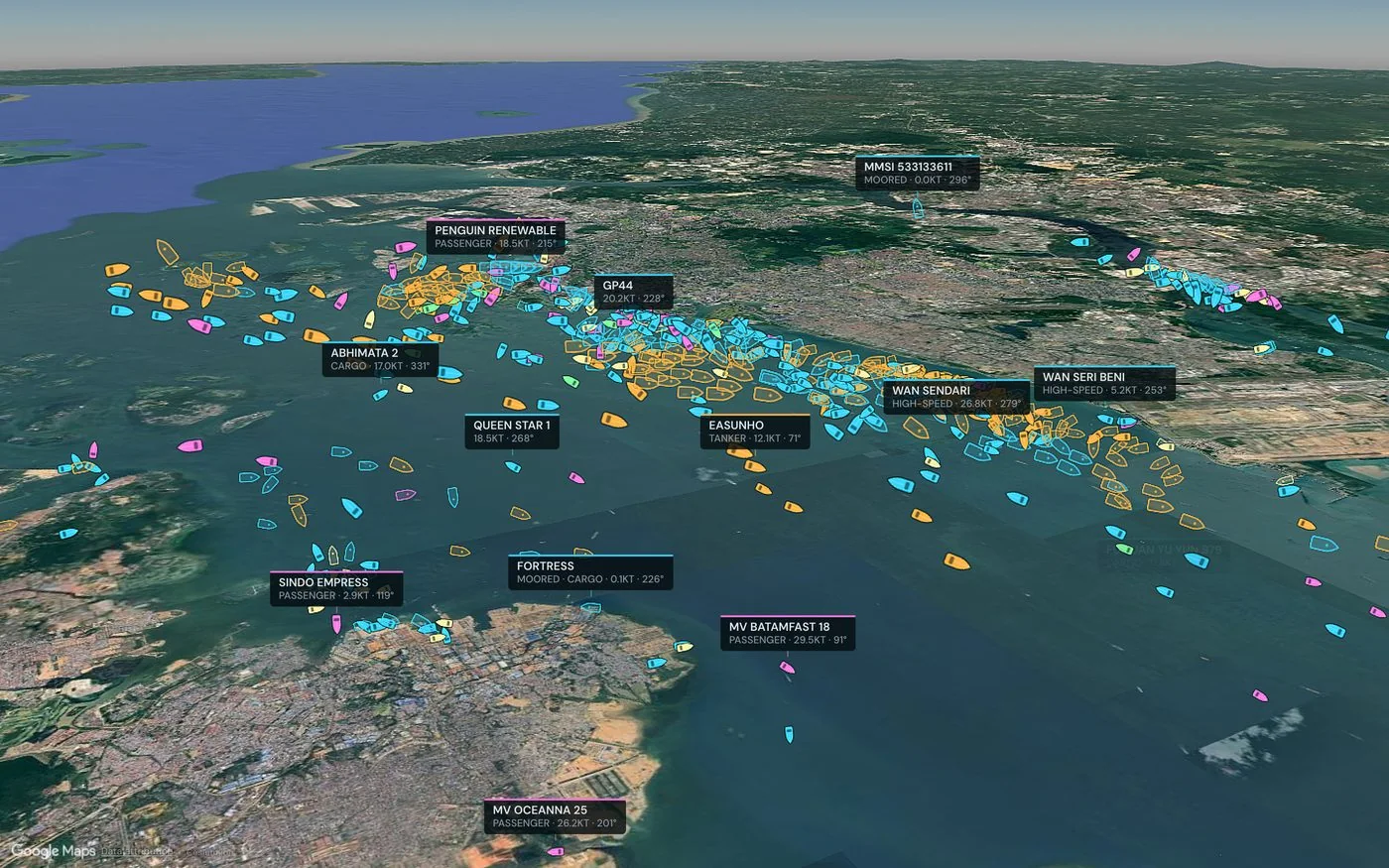
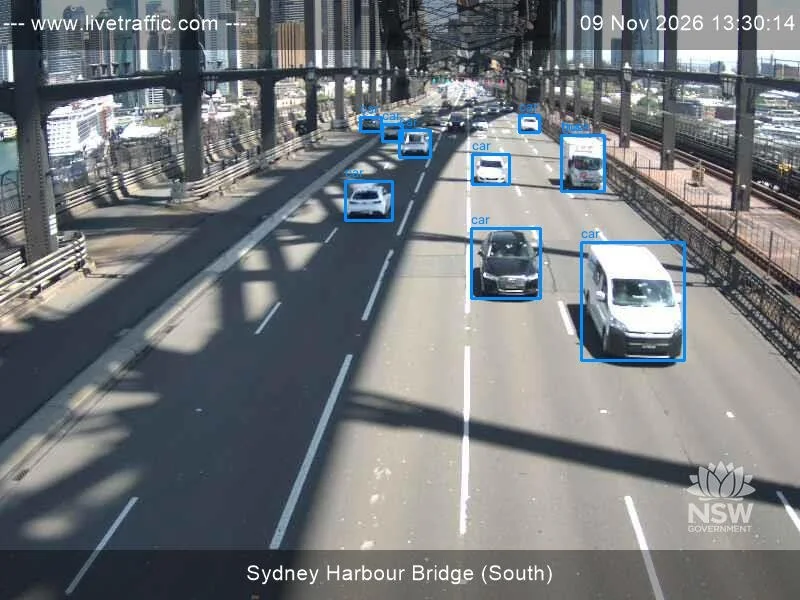
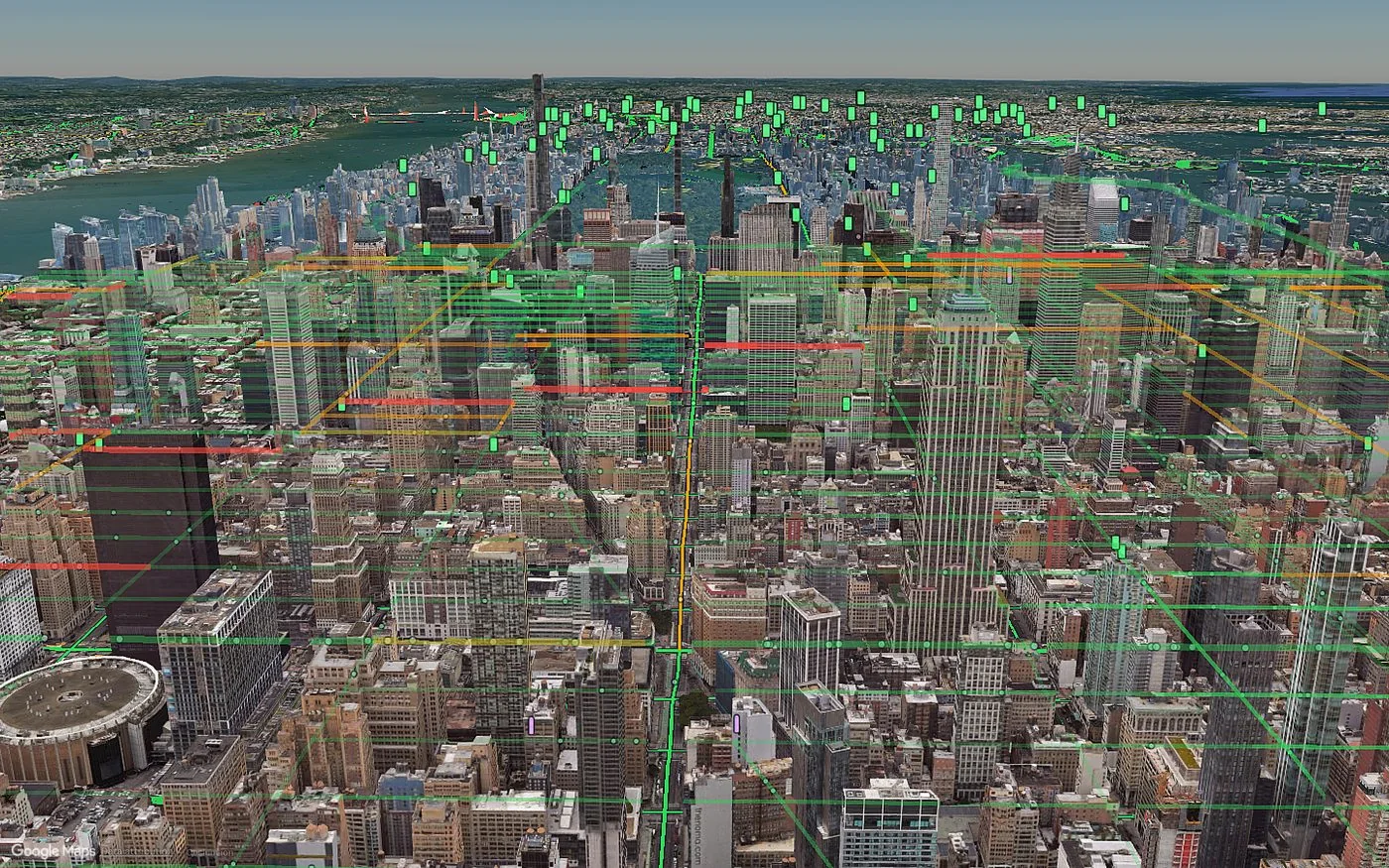
The whole world, live. Ask Steve about anywhere.
Steve designs it in thinkjoin, then stands the 3D model on the ground at the real address, so you can fly around it on the live globe before anything gets built.
- A live globe: ships, flights and traffic
- Live cameras, every car tracked
- Your design placed at its real address
- Ask Steve about any place
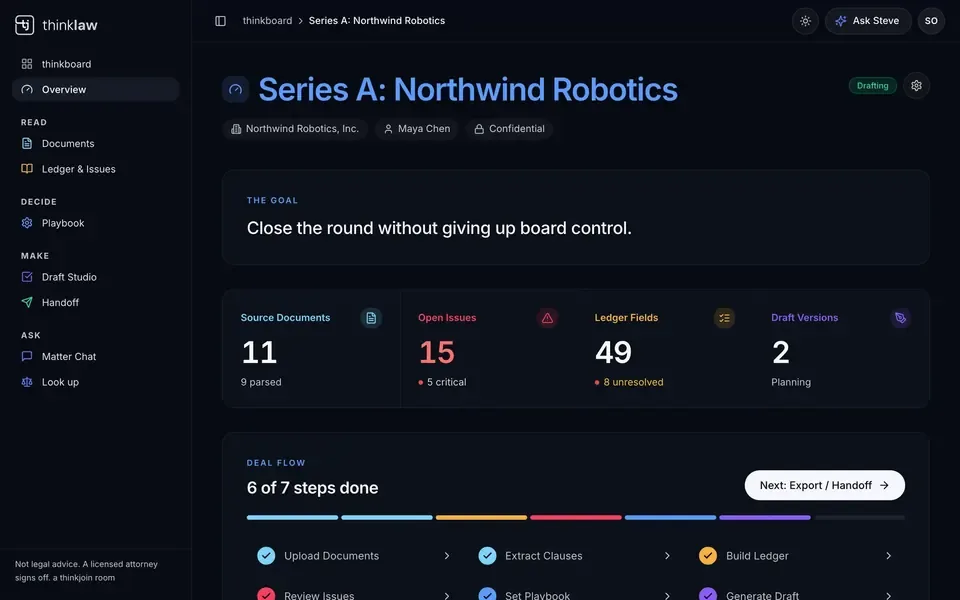
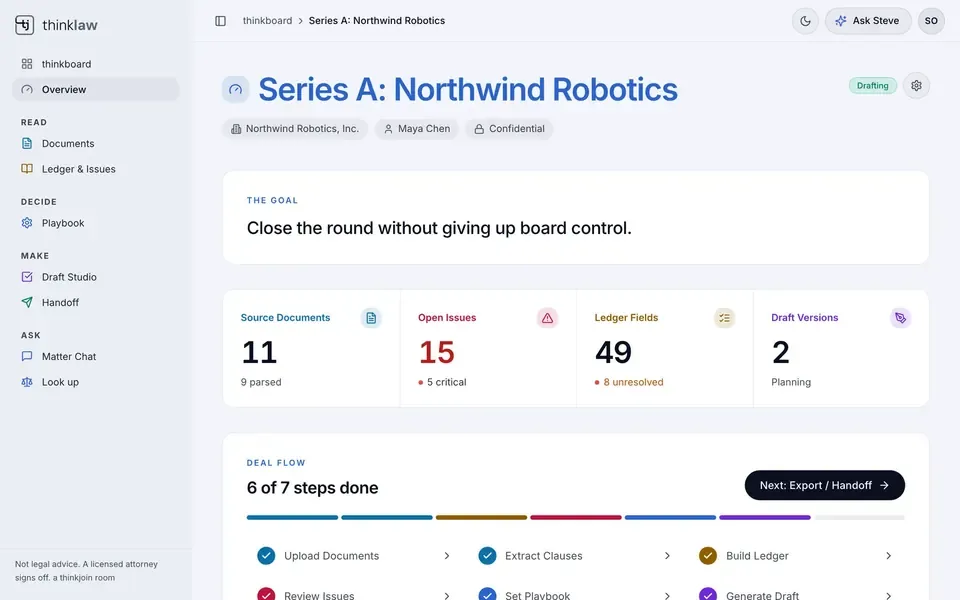
Contracts and the law, with Steve.
Draft a real, signable agreement from a sentence, or ask a law question and get an answer with real citations.
- NDAs, releases, licences and more
- Answers cite case law, statutes and regulations
- A PDF and a Word file you can sign
Checked, never guessed
Real things need real numbers. Steve doesn’t make them up.
Numbers are computed
Engineering, sizes and costs come from engines that calculate them. A box is sized to the millimetre, a part to its material.
computedAnswers show their source
When Steve tells you a number from the house, he says where it came from.
[LIVE · source]Your brand stays yours
Register your logo, colours and type once. Naming your brand puts the real mark on the work, never a retyped look-alike.
lockedThe law, cited
thinklaw answers with real citations: case law, statutes and regulations.
citedThe house
Your home, your team, your own Steve.
Beyond the studios: the place Steve builds for you, the rooms you share and talk in, the store you sell in, and Steve on hardware of your own.

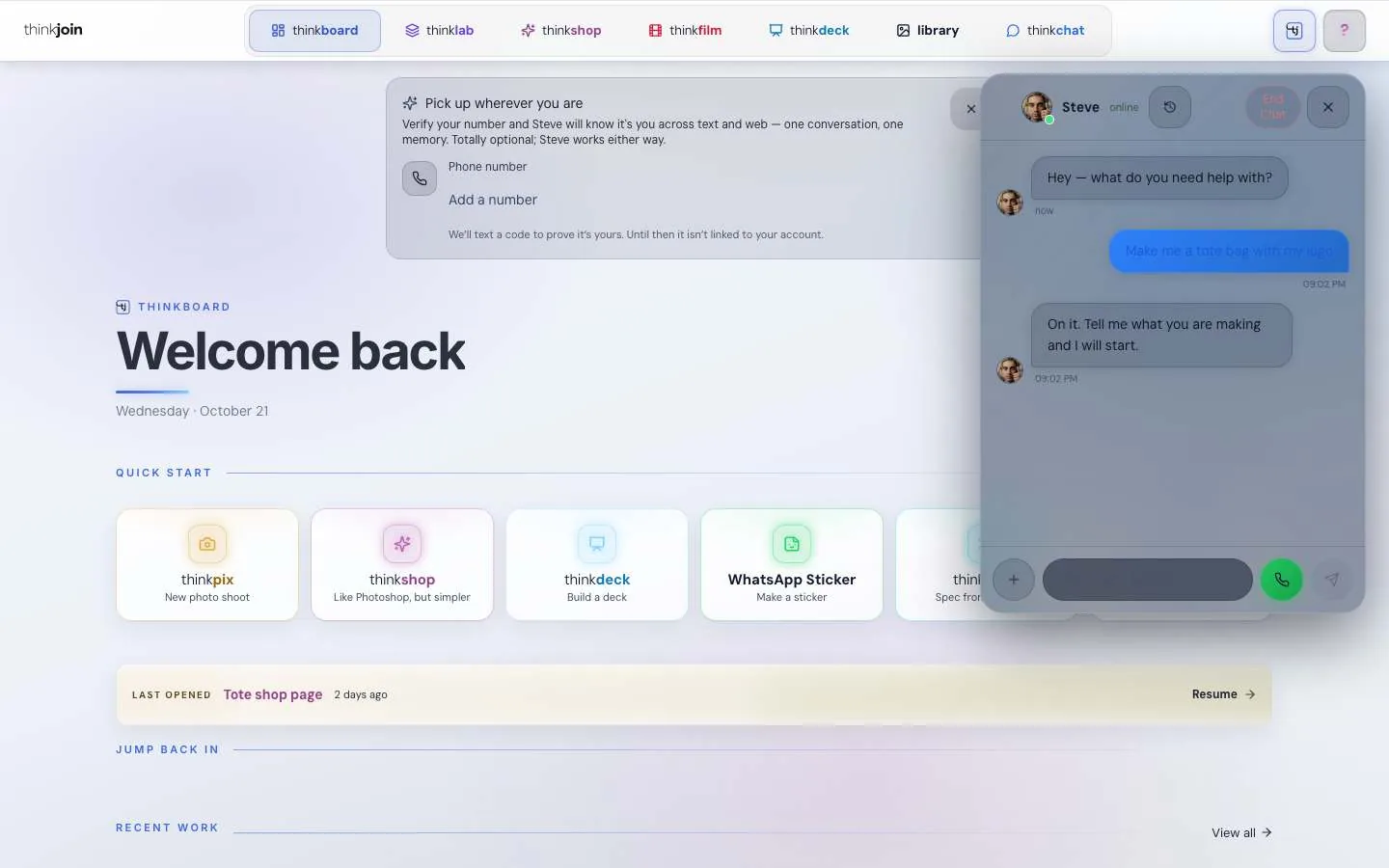
Ask Steve anywhere. Watch it get made here. Your home in thinkjoin: Steve builds in it while you watch every step, and your name is your address.
thinkspace.place/yourname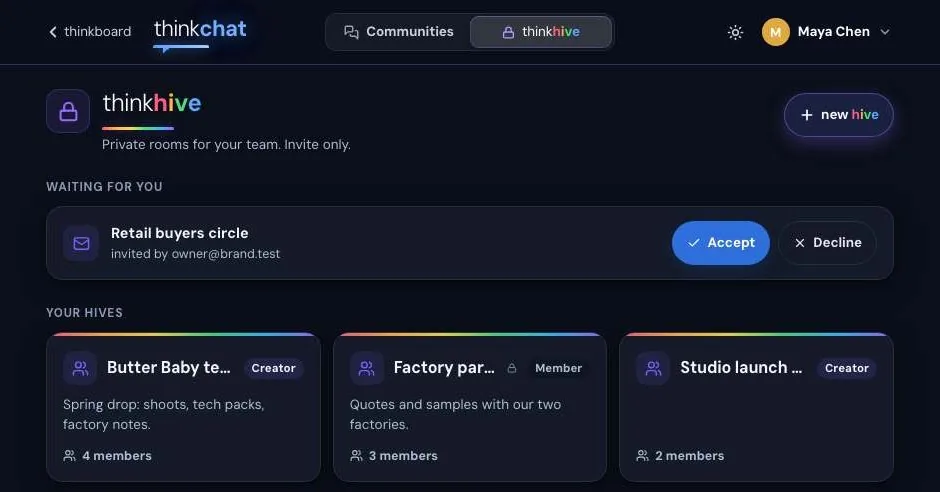
Your team’s private room. thinkhive is for sharing: a hive is a room of threads, a library hive is a shared folder. Every invite in one place. Press Send to thinkhive on a file and your team has it.
thinkhive.live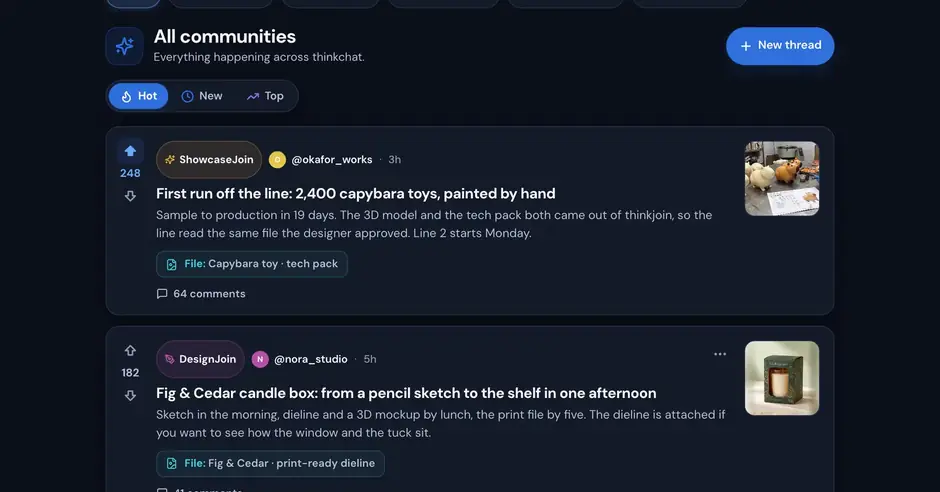
Show the work. Talk it through. thinkchat is the network: post in a community, talk live in a livejoin room, and keep every conversation in Messages.
thinkchat.cc
Sell what you make. thinkmart is the store: a green Sell button in six studios sends your finished files over as a draft, and Steve writes the listing with you.
thinkmart.store
Steve in a box, on your floor. thinkvault keeps Steve and your work on hardware in your own space.
thinkvault.ioHow it all connects
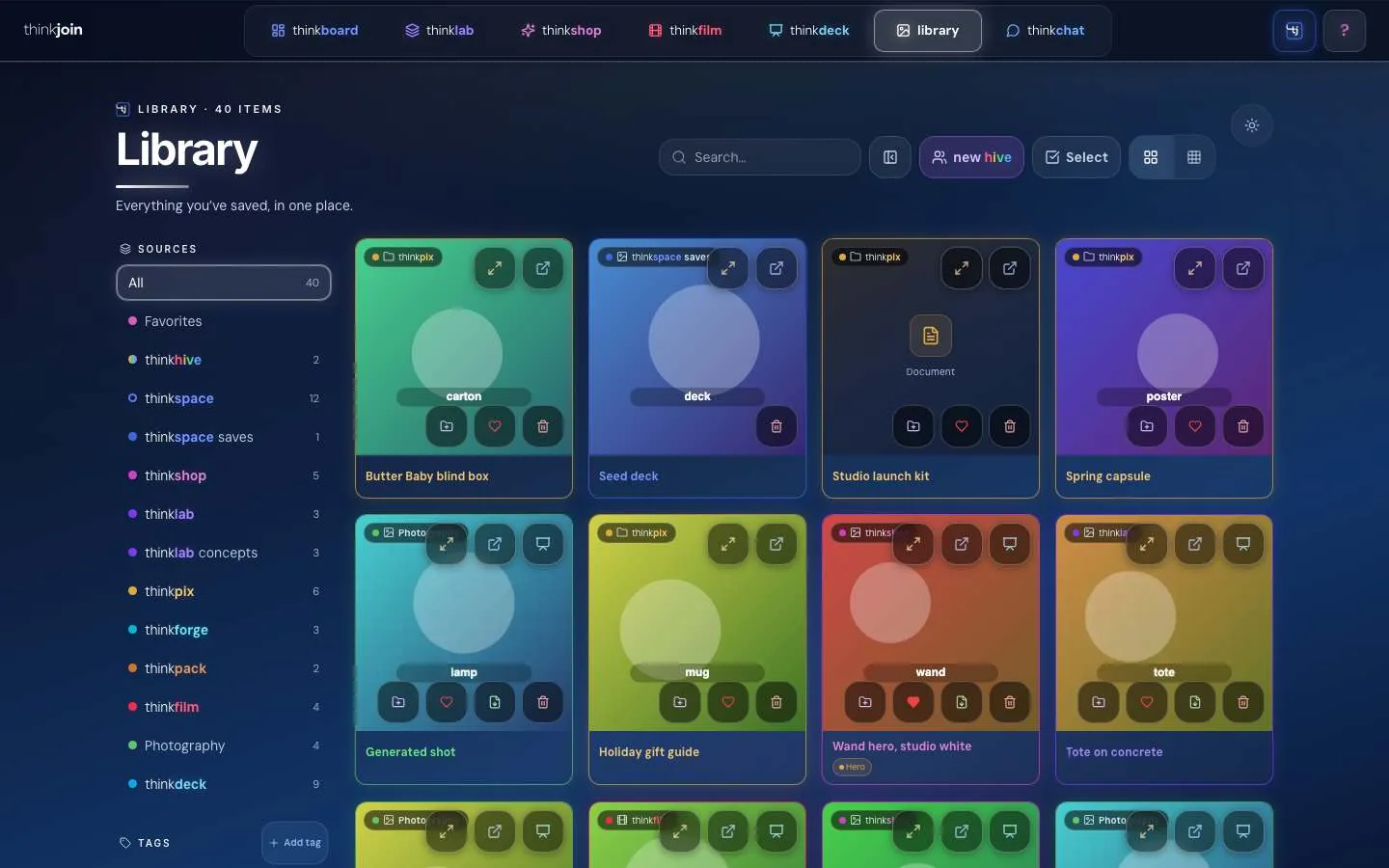
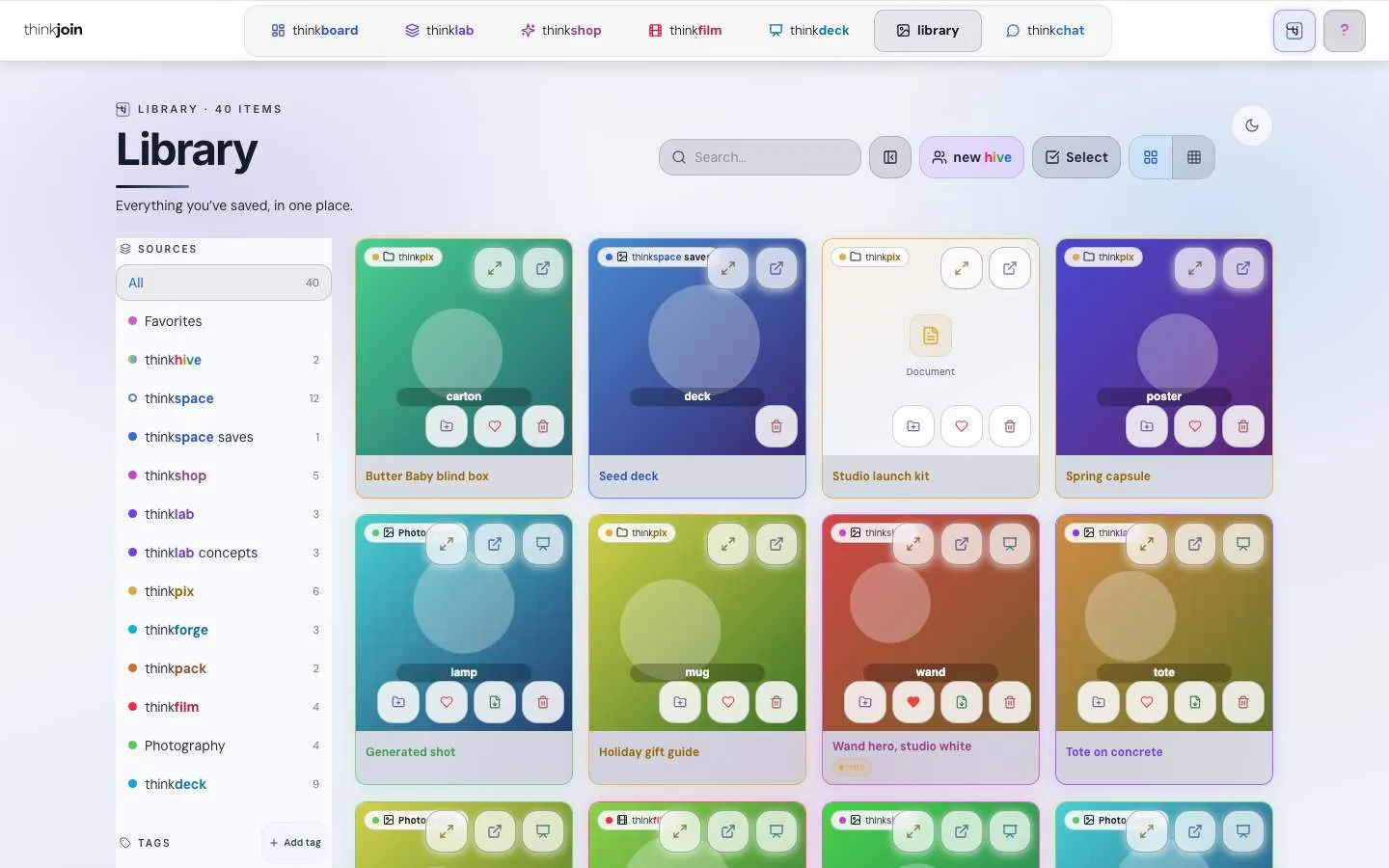
You talk to Steve. Steve builds in thinkspace. Finals come home to your Library, and from there the work goes round.
any file
talk live
livejoin
the listing
Steveone mind in every roomthe hive
it here
thinkhive
a studio
thinkspaceWatch Steve make itcome home
new, and live today
Plans
Start free. Grow when you make more.
Every account starts on Free: every room opens to look, and you can save, share and chat with Steve. Pick a plan when you are ready to make.
For looking around: every room opens, and you can save, share and chat.
- Productions a month
- none
- Quick generations
- none
- Heavy work
- not included
- Steve
- chat only
For making things: decks, tech packs, dielines, clips and images, with Steve on 2 days a week.
- Productions a month
- 50
- Quick generations
- 20 an hour
- Heavy work
- not included
- Steve
- 2 days a week
For making a lot, including the heavy work you have Steve make for you.
- Productions a month
- 250
- Quick generations
- 50 an hour
- Heavy work
- included, each counts as 5
- Steve
- 4 days a week
For studios: no limits on anything, every day.
- Productions a month
- no limit
- Quick generations
- no limit
- Heavy work
- included, no limit
- Steve
- every day
Sparks: room to make more
A spark is one more production after your month’s allowance is used up, on base and above. They come in packs of 20 and carry over month to month.
A production
One press that makes something new: a thinklab concept, a deck with its first slide art, a photo-shoot set, a thinkshop Create, a video or an animated sticker, a 3D model or a CAD file, a full production pack. Counted once, when it finishes. Never when it fails, never when you reopen or download it.
A quick generation
One press while you work inside something: an edit, a regenerate, Quick Edit, Expand, Magic Steve, another angle, new slide art. One press counts as one however many variations it returns; new art for a deck counts one per 4 slides, and an upscale counts two. Only limited per hour, never per month.
Heavy work
What you have Steve make for you instead of making it on thinkjoin.com. On Pro each one counts as 5 productions. Everything you make yourself on thinkjoin.com, 3D models, CAD files and full production packs included, is a production, never heavy work.
A Steve day
A day Steve makes things for you. It starts the moment your first real job kicks off. Chatting with Steve never uses one.
A spark
One more production after your month’s allowance is used up, on base and above. Sparks come in packs of 20, carry over month to month since you paid for them, and start spending only when plan limits start. The trial and free never use them.
Studios
The nine rooms a plan opens: thinkshop, thinkdeck, thinkdrive, thinkview, thinklaw, thinkfilm, thinkpack, thinkmesh and thinkfoot. Base opens thinkshop, thinkdeck and thinkdrive. Pro adds thinkview, thinklaw and 2 more you pick. Studio opens all nine. On base and pro you can add any other studio as a monthly add-on. Free can look into every studio but make nothing.
Your idea, on the factory floor.
Create your free thinkjoin account with Google or your email. One account opens every room, and Steve works in all of them.